Instances for every setup
Vanilla, Fabric, Quilt, Forge or NeoForge – each instance has its own mods, worlds, RAM and Java. On Windows, Bedrock Edition starts from here too.
▸Launcher
Minecraft launcher
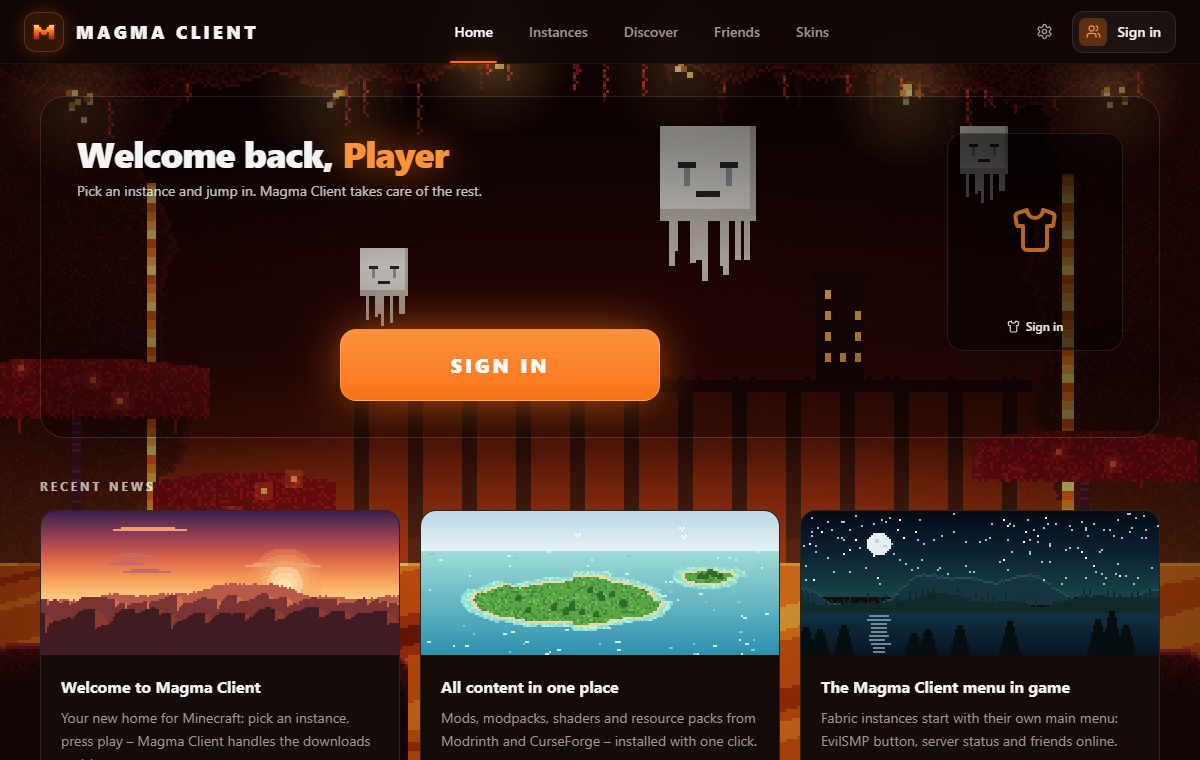
Pick an instance and jump in. Mods, modpacks, skins and friends in one launcher – Magma Client takes care of the rest.
Also for Windows · macOS · Linux .deb · Linux .rpm
What's inside
From vanilla to 500-mod packs: Magma Client installs Java, loaders and content for you.
Vanilla, Fabric, Quilt, Forge or NeoForge – each instance has its own mods, worlds, RAM and Java. On Windows, Bedrock Edition starts from here too.
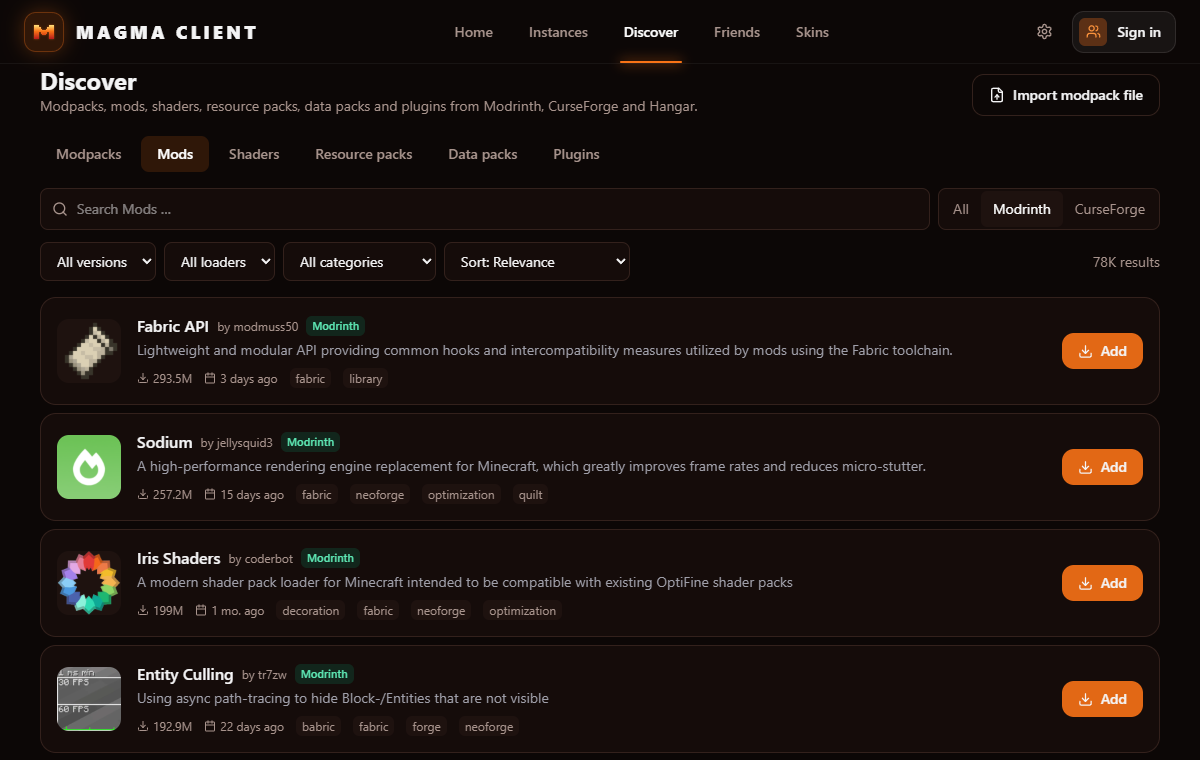
Search Modrinth, CurseForge and Hangar at once. Mods, shaders, resource packs, data packs and plugins in one click.
Install packs directly or import a .mrpack or CurseForge zip. Updates for everything with one button.
Preview skins in 3D, keep your own library and copy any player's skin by name.
No extra account: your Minecraft login is enough. Add friends by their Minecraft name and see who is online and what they play.
Send your whole instance to a friend, invite them to your server or open your world – accepting starts the game and joins.
Discover
In game
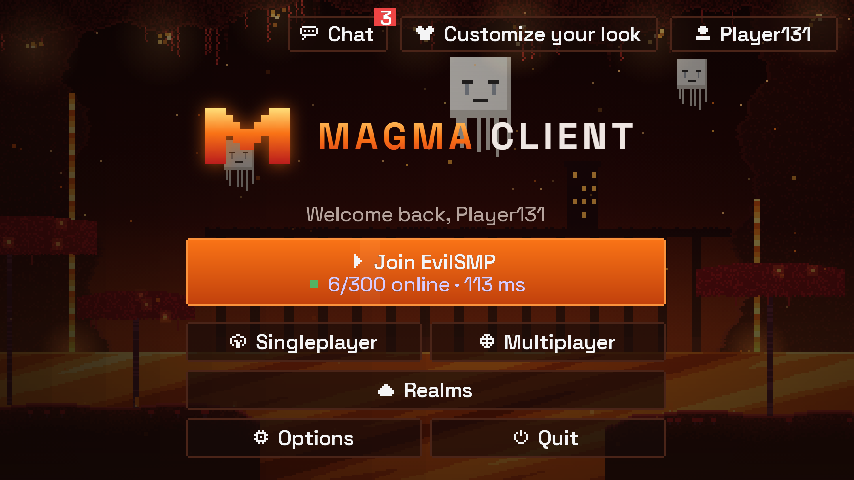
Featured server
Already in your server list and one click from the title screen.
play.evilsmp.net
Get started
Get the installer for Windows, macOS or Linux.
Windows: if SmartScreen shows up, click "More info" → "Run anyway". Mac: drag Magma Client into Applications (first start: see FAQ). Linux: open the .deb or .rpm with your software center.
Use the Microsoft account that owns Minecraft: Java Edition.
Pick an instance, press the big button, done.
| System | Windows 10 / 11 (64-bit) · macOS 11+ (Apple Silicon and Intel) · Linux 64-bit (e.g. Ubuntu 22.04+, Debian 12+, Fedora) |
|---|---|
| Java | Downloaded automatically |
| Account | Microsoft account with Minecraft: Java Edition (without one: official demo) |
| Languages | English, German |
| Windows | MagmaClient_0.4.0_x64-setup.exe · 5.6 MB SHA-256 107232DD94610BD480F58744EC1402C7015B32C18A8B63D0B2917DBA9CE2923A |
| macOS | MagmaClient_0.4.0_universal.dmg · 17.4 MB SHA-256 CEA42CBCD9129A237E630BC6E192E2535CAE5719555A36CE1F572FC6783F1923 |
| Linux .deb | MagmaClient_0.4.0_amd64.deb · 12.0 MB SHA-256 1AFAF1BB5CC75536E1FEFAE4E745A36F2D73E095722D875F15902077A8D0A9DE |
| Linux .rpm | MagmaClient-0.4.0-1.x86_64.rpm · 12.0 MB SHA-256 D46FCBE09BF8B04C53FAB94A30ACB5E297F804936EC1755B32B98C5F7B950D7E |
Yes, completely. The launcher, mods, friends and sharing cost nothing.
For the full game, yes. Without it you can play the official Minecraft demo and still use friends and modpacks.
The installer isn't signed with a paid certificate yet. Compare the SHA-256 on the left to be sure you have the original file.
The app isn't notarized by Apple yet. Open it once, then go to System Settings → Privacy & Security and click "Open Anyway". After that it starts normally.
Magma Client changes the title screen and adds cosmetics – no cheats. Mods you add yourself still have to follow each server's rules.
Export your pack as .mrpack or CurseForge zip and import it, or add single .jar files to an instance.